How to Write SEO Blog Posts That Rank in 2026 (Part 3)
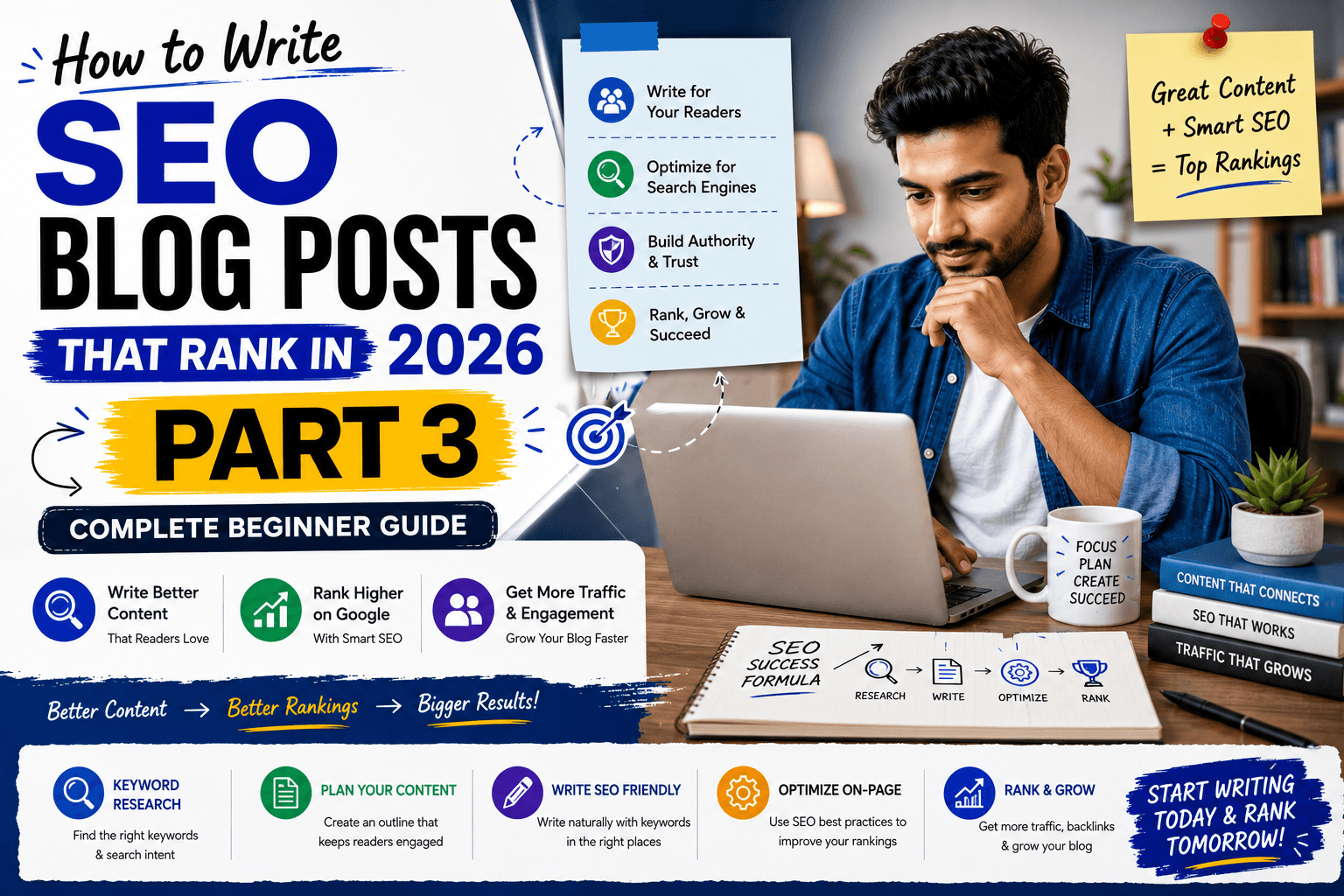
Welcome to Part 3 of our complete beginner's guide to SEO blog writing.
So far, you've learned the fundamentals of SEO writing and completed the research needed before writing a blog post.
In Part 1, you learned what SEO blog writing is, why high-quality content matters, and how Google crawls, indexes, and ranks web pages. Understanding these basics helps you create content that is useful for readers and easier for search engines to understand.
If you haven't read it yet, we recommend starting with How to Write SEO Blog Posts That Rank in 2026 (Part 1) before continuing with this chapter.
start learning
In Part 2, you learned how to prepare before writing. We covered choosing the right keyword, understanding search intent, and analyzing the top Google results to discover what readers expect. These research steps give you a clear direction before you begin creating your content.
If you missed it, be sure to read How to Write SEO Blog Posts That Rank in 2026 (Part 2) to learn how proper research can improve your chances of ranking on Google.
start learning
Plan Your Blog Post
Now it's time to put everything together.
Before writing your first paragraph, you need a clear plan. Planning your blog post helps you organize your ideas, avoid missing important topics, and create a better reading experience. It also helps search engines understand your content, making it easier for Google to crawl and rank your article.
In this chapter, you'll learn how to build a strong outline, write a title that attracts clicks, and create an introduction that encourages readers to stay on your page.
A simple content plan can prevent this problem.
In this part, you'll learn three important steps:
These three steps give your article a clear direction before you start writing the main content.
Let's begin with your blog post outline.
7. Create an SEO-Friendly Outline
What Is an SEO-Friendly Outline?
An SEO-friendly outline is a simple plan that organizes your blog post before you begin writing. Think of it as a blueprint for your article. Just as a builder follows a construction plan before building a house, bloggers use an outline to create well-structured content. It helps you decide what topics to cover, the order they should appear in, and the questions your readers need answered. With a clear outline, writing becomes faster because you already know what to write in each section.
Benefits of Creating an Outline
Creating an outline before you write offers several advantages:
Why Every Blog Post Needs an Outline
Have you ever started writing a blog post and suddenly didn't know what to write next?
This happens to many beginner bloggers. Without an outline, you are trying to think, organize ideas, and write at the same time. This can make writing slow and confusing. You may repeat the same point or forget an important topic.
An outline gives your article a clear direction. It helps you organize ideas in the right order and stay focused on the main topic.
Writing also becomes much easier because you always know what comes next. Instead of staring at a blank screen, you simply follow your outline one section at a time.
A clear outline saves time, improves readability, and creates a smoother experience for your readers.
A good outline helps you:
The biggest benefit is simple: you always know what to write next.
Understanding H1, H2, and H3 Headings
When beginners hear H1, H2, and H3, blog structure can sound technical. But it is actually very simple.
Headings help organize your article and make it easier to read. Think of a book. It has a main title, chapters, and smaller topics inside each chapter. A blog post works in a similar way.
H1 – Your Main Blog Post Title
The H1 is the main title of your article. It tells readers and Google what the complete article is about.
For example:
How to Write SEO Blog Posts That Rank in 2026
Use only one clear H1 and include your main keyword naturally. In most WordPress themes, your blog post title automatically becomes the H1.
H2 – Your Main Sections
H2 headings divide your article into main topics.
For example:
Choose the Right Keyword
Understand Search Intent
Create an SEO-Friendly Outline
Each H2 starts a new main section. Clear headings also help readers scan your article and quickly find the information they need.
H3 – Smaller Topics Inside an H2
Sometimes a main section needs more explanation. This is where H3 headings are useful.
For example,under the H2 Choose the Right Keyword, you might add H3 sections like What Is a Keyword?, Primary vs Secondary Keywords, and Keyword Mistakes to Avoid.
The structure is simple.
H1 = Main article title
H2 = Main topic
H3 = Smaller supporting topic
You don't need to overthink it. If the section is a main topic, use H2. If it explains a smaller point inside that topic, use H3.
Build a Logical Content Flow
Your headings should not appear in a random order. Each section should naturally guide the reader to the next topic.
For example, you cannot explain how to write your first blog post before showing readers how to choose a niche, buy a domain, and set up WordPress. The information may be useful, but the wrong order can confuse beginners.
A better flow is simple. Choose your niche, buy a domain name, choose web hosting, install WordPress, write your first blog post, and then promote your blog.
When each section follows the previous one naturally, the article becomes easier to understand and readers know exactly what to do next.
A Simple Outline Method for Beginners
You don't need an expensive SEO tool to create an outline. Open Google Docs, Notepad, or your WordPress editor and write your main title at the top.
Now think like your reader.
Ask yourself, "If I knew nothing about this topic, what would I want to know first?
"Write down the questions that come to your mind. Think about what the topic is, why it matters, how to start, which tools are needed, what mistakes to avoid, and what the reader should do next.
Once you have your questions, arrange them in a logical order. Your main questions can become H2 headings, while smaller supporting questions can become H3 headings.
You can also use the Google research you completed in Part 2 to understand what readers expect from the topic.
Remember, the goal is not to copy another blogger's outline. The goal is to understand what your readers need and create a clear structure that helps them from beginning to end.
For example:
8. Write an Attention-Grabbing Title
Your blog post now has a clear outline. The next step is choosing the right title.
Your title is usually the first thing people notice when they see your article on Google. Think about your own searches. You scan several titles and click the one that looks most helpful and relevant.
Your readers do the same.
A good title should clearly explain the topic, match what the reader is searching for, and include your main keyword naturally. It should create interest without making fake promises.
Write Clear Titles
Your title does not need to sound clever. It needs to be clear.
For example, "Blog Writing Tips" is too broad. Readers may not understand whether the article is about SEO, beginner blogging, or professional writing.
Now look at "How to Write SEO Blog Posts That Rank in 2026."The topic is clear. Readers immediately understand what the article can help them with.
Before choosing a title, ask yourself, "If someone only reads my title, will they understand what my article is about?"
If the answer is yes, your title is clear.
Include Your Primary Keyword Naturally
Your main keyword helps readers and Google understand your topic.
If your keyword is "How to Write SEO Blog Posts," you could use the title "How to Write SEO Blog Posts That Rank in 2026."The keyword fits naturally and the title still sounds human.
Do not force keywords into your title just for SEO. If the title sounds strange, rewrite it. Always write for people first.
Use Numbers When They Add Value
Numbers can make a title more specific and tell readers what to expect.
For example, "10 SEO Writing Tips for Beginners" or "7 Blogging Mistakes Beginners Should Avoid" clearly shows what the article covers.
But not every title needs a number. If you are writing a step-by-step guide, a simple "How to" title may work better.
Use numbers only when they naturally match your content.
Use Helpful Power Words
Words like Complete, Beginner's, Step-by-Step, Practical, Easy, Essential, and Simple can make your title more clear and useful.
For example, "The Complete Beginner's Guide to SEO Blog Writing" tells readers exactly who the article is for and what they can expect.
But remember, your title is a promise. If you say "Complete Guide," your article should be detailed. If you say "Step-by-Step," explain every step clearly.
Avoid Clickbait
Clickbait titles make big promises just to get clicks.
For example, "This Secret SEO Trick Will Rank Your Blog #1 Overnight!" sounds exciting, but the promise is unrealistic.
A better title is "How to Improve Your Chances of Ranking Higher on Google."
Trust is more important than one quick click. Avoid fake promises, guaranteed rankings, and overnight success claims.
Good vs Bad Blog Titles
A title like "Blogging Tips" is too broad. "15 Blogging Tips for Beginners in 2026" is more specific.
"SEO Guide" is unclear. "Complete SEO Guide for Beginner Bloggers" tells readers exactly what they will learn.
Before publishing, write a few title ideas and compare them. Choose the title that feels clear, natural, helpful, and matches the reader's search intent.
A strong title does not trick people into clicking. It simply helps the right reader understand why your article is worth reading.
❌ Blogging Tips
✅ 15 Blogging Tips for Beginners in 2026
❌ SEO Guide
✅ Complete SEO Guide for Beginner Bloggers
❌ Write Better Content
✅ How to Write SEO-Friendly Content for Your Blog
Choose the one that feels:
9. Write an Engaging Introduction
Now you have your outline and title. The next step is writing your introduction.
For many beginner bloggers, this is where writing becomes difficult. You open the editor, look at the blank screen, and wonder, "How should I start?"
Your introduction does not need to sound perfect. It has one simple job: help readers feel they have found the right article and give them a reason to keep reading.
A good introduction connects three things: the reader's problem, why the problem matters, and what they will learn.
A good introduction usually connects three simple ideas:
Start With the Reader's Problem
Think about why someone searched for your topic. They probably have a question, problem, or goal.
For example, "Many beginner bloggers spend hours writing articles but still struggle to get traffic from Google."
A reader facing the same problem may immediately think, "Yes, that's exactly my problem."
That simple sentence creates a human connection. You don't need a dramatic story. Just show readers that you understand why they are here.
Before writing your first paragraph, ask:
You don't need a dramatic story.
Simply show readers that you understand why they're here.
Explain Why the Problem Matters
After mentioning the problem, explain why it matters.
For example, Writing helpful content takes time. But if your article is difficult to understand or doesn't match what people are searching for, it may struggle to get visibility on Google.
Now the reader understands the problem more clearly.
You can then introduce a simple solution. Explain that they do not need complicated SEO tricks. A clear writing process can help them create better and more organized content.
Tell Readers What They Will Learn
Before starting the main article, briefly tell readers what they will learn.
For example, "In this guide, you'll learn how to choose the right keyword, plan your article, write helpful content, and optimize your blog post for Google."
This gives readers a clear reason to continue.
Do not explain the complete article in your introduction. Simply show them what is coming next.
Focus on:
Don't explain everything in the introduction.
Just show readers what is coming next.
Keep Your Introduction Simple
Your introduction should guide readers into the article, not delay the answer.
Avoid long stories, complicated definitions, and unnecessary background information. Also avoid repeating the same point again and again.
Keep your paragraphs short because many people read blogs on mobile phones. Large blocks of text can quickly become difficult to read.
"Am I helping my reader start the article, or am I delaying the answer?"
Avoid:
Your introduction should welcome the reader and guide them toward the main content.
Example of a Simple Introduction
Here's a simple example:
Many bloggers spend hours writing helpful articles but still struggle to get traffic from Google. You publish a new post, wait for visitors, check your analytics, and sometimes nothing seems to happen.
The problem isn't always your effort. Sometimes, the way your content is planned, written, and organized makes it difficult for readers and search engines to understand.
SEO blog writing doesn't need to be complicated. When you follow a clear process, you can create content that answers real questions and has a better chance of appearing in Google Search.
In this guide, you'll learn how to research your topic, plan your article, write SEO-friendly content, and optimize your blog post step by step.
Notice the flow:
That's all you need.
Simple words and a clear message often create a better introduction than complicated writing.
Common Introduction Mistakes
Here's a simple example:
Many bloggers spend hours writing helpful articles but still struggle to get traffic from Google. You publish a new post, wait for visitors, check your analytics, and sometimes nothing seems to happen.
The problem isn't always your effort. Sometimes, the way your content is planned, written, and organized makes it difficult for readers and search engines to understand.
SEO blog writing doesn't need to be complicated. When you follow a clear process, you can create content that answers real questions and has a better chance of appearing in Google Search.
In this guide, you'll learn how to research your topic, plan your article, write SEO-friendly content, and optimize your blog post step by step.
Notice the flow:
When you're new to blogging, it's easy to overthink your introduction. You may try to make the first few paragraphs sound perfect, professional, or too detailed.
One common mistake is starting with a long technical definition. Readers usually want a clear answer, not a complicated explanation at the beginning.
Another mistake is talking too much about yourself. Your personal experience can make your content more helpful, but it should connect with the reader's problem instead of making the introduction only about you.
Long paragraphs are another problem. Many people read blog posts on mobile phones, and a large block of text can feel difficult to read.
Avoid repeating the same point or giving every answer in the introduction. You still need to give readers a reason to continue reading the main article.Keep the focus on your reader. Show them that you understand their problem and clearly explain how your article can help.
A simple, clear, and helpful introduction is often more powerful than complicated writing.
Try to avoid:
Focus on the reader.
Show them that you understand their problem and clearly explain how your article can help.
What You Should Remember
Planning your blog post may feel like extra work, especially when you're excited to start writing.
But spending a few minutes on planning can make the entire writing process much easier.
Before you write your next article:
You don't need complicated SEO techniques to plan a good blog post.
Start by thinking about your reader. Understand what they want to learn, what questions they have, and what information will help them most.
Then arrange your ideas in the right order and guide readers naturally from one section to the next.
Now your blog post has a clear direction, and you know exactly what to write.
In the next part, we'll start writing the main content. You'll learn how to use keywords naturally, write easy-to-read paragraphs, keep readers interested, and create helpful content that both readers and search engines can understand.